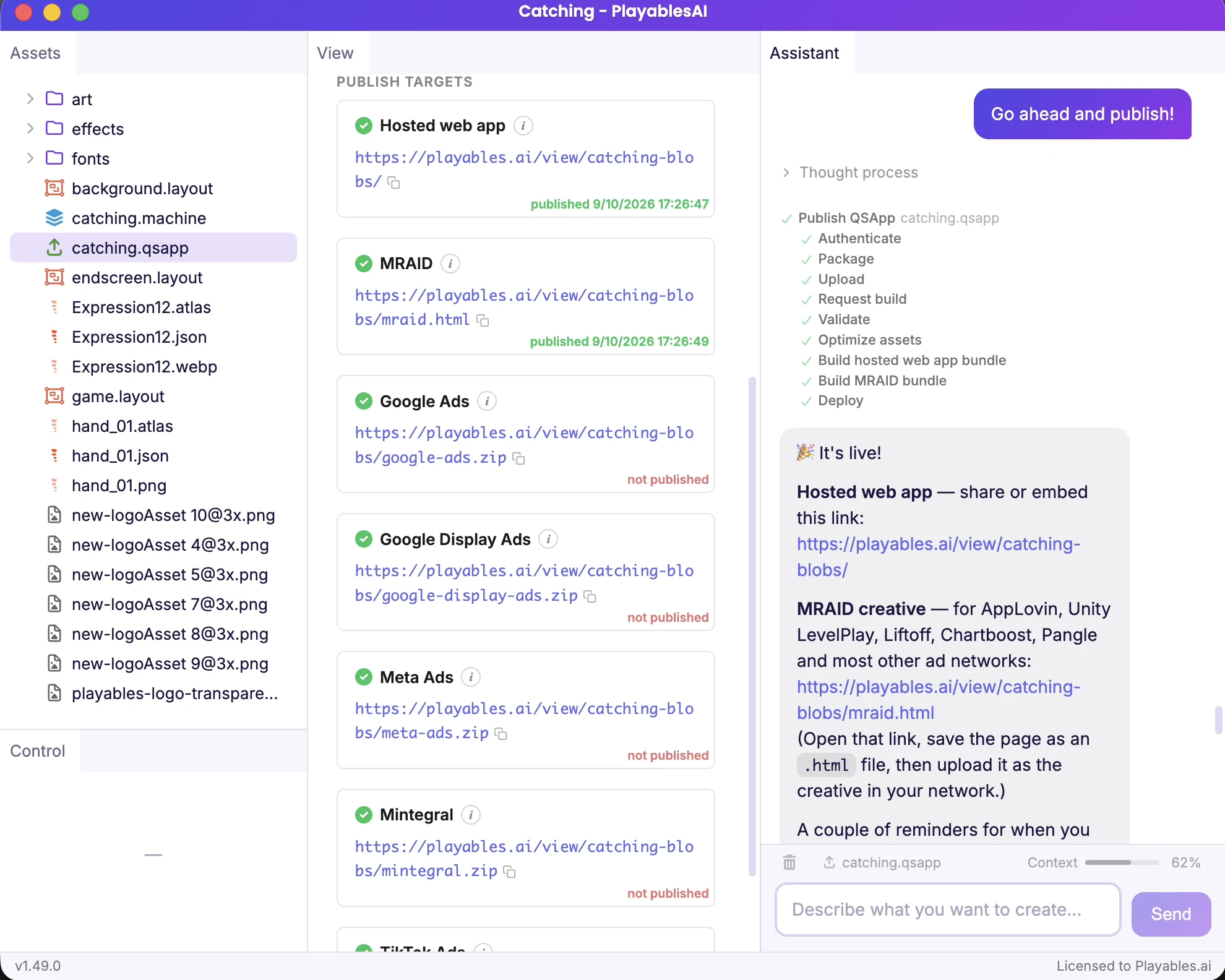

Getting Started
Five steps to your first AI-powered playable ad — from creating your account to publishing your creative on ad networks.
Five steps to your first AI-powered playable ad — from creating your account to publishing your creative on ad networks.
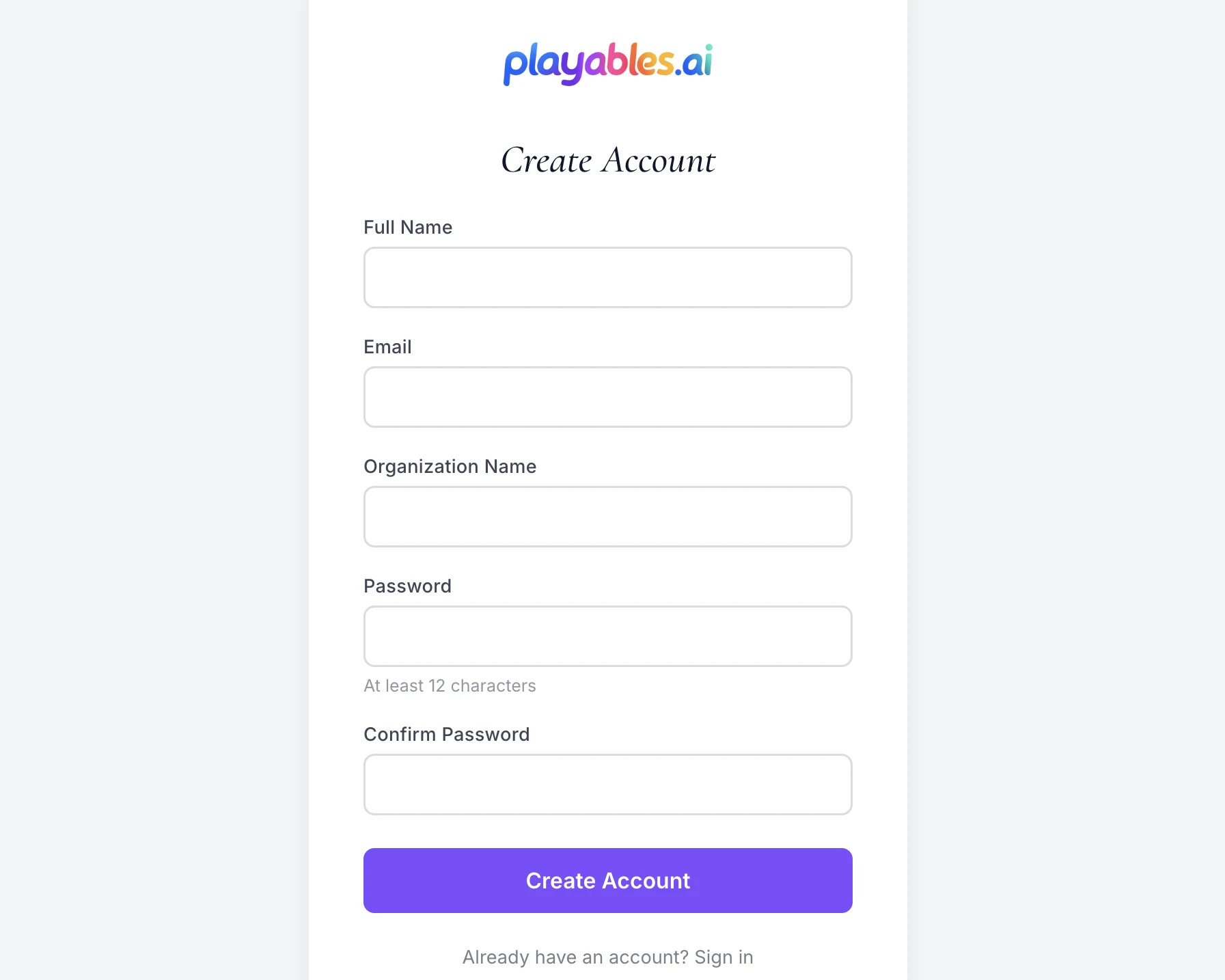
Sign up and purchase credits to get started.
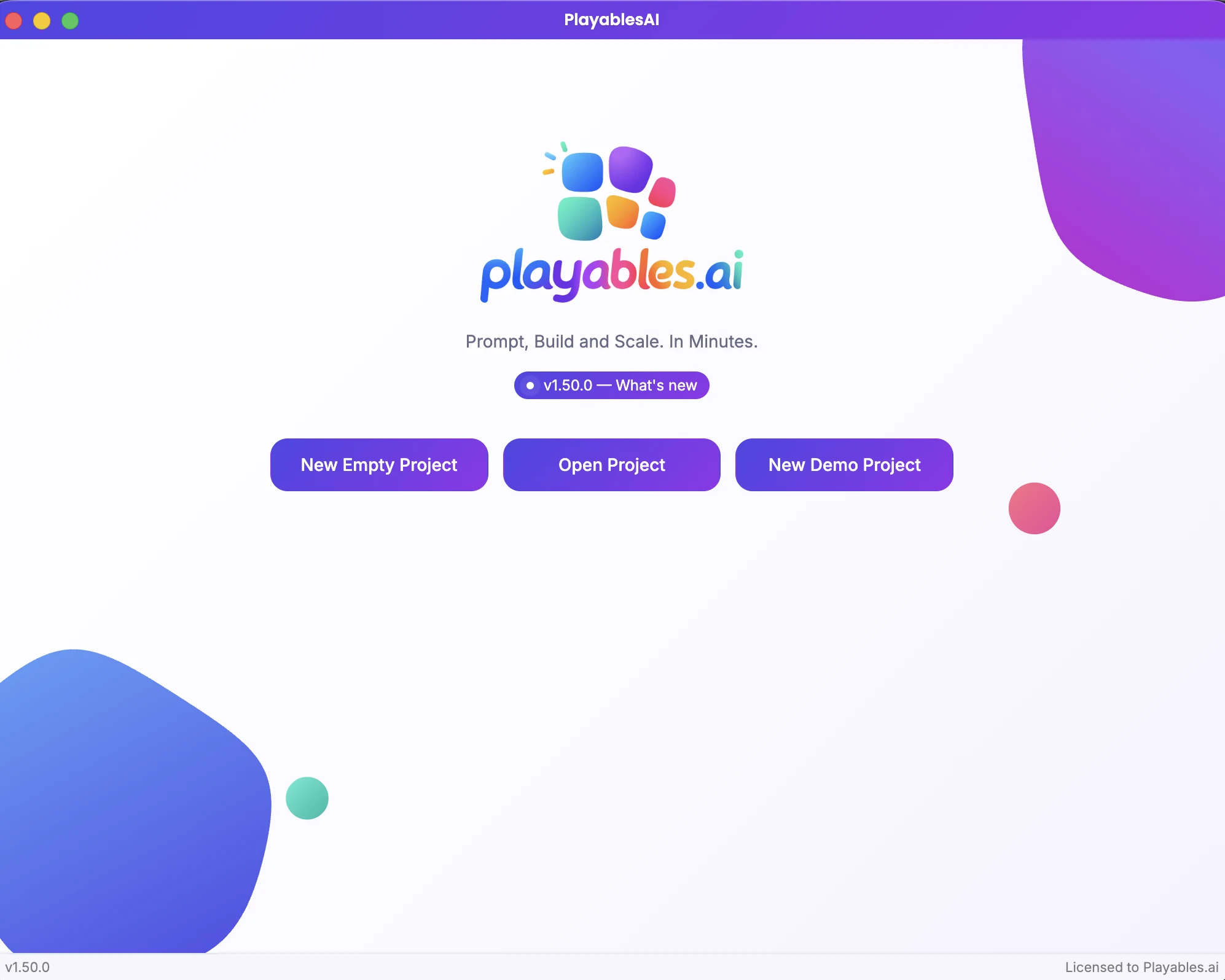
Create your license key, download the app for Mac or PC, and activate it with your key.

Create a new project folder or start with an existing folder containing your own game assets.
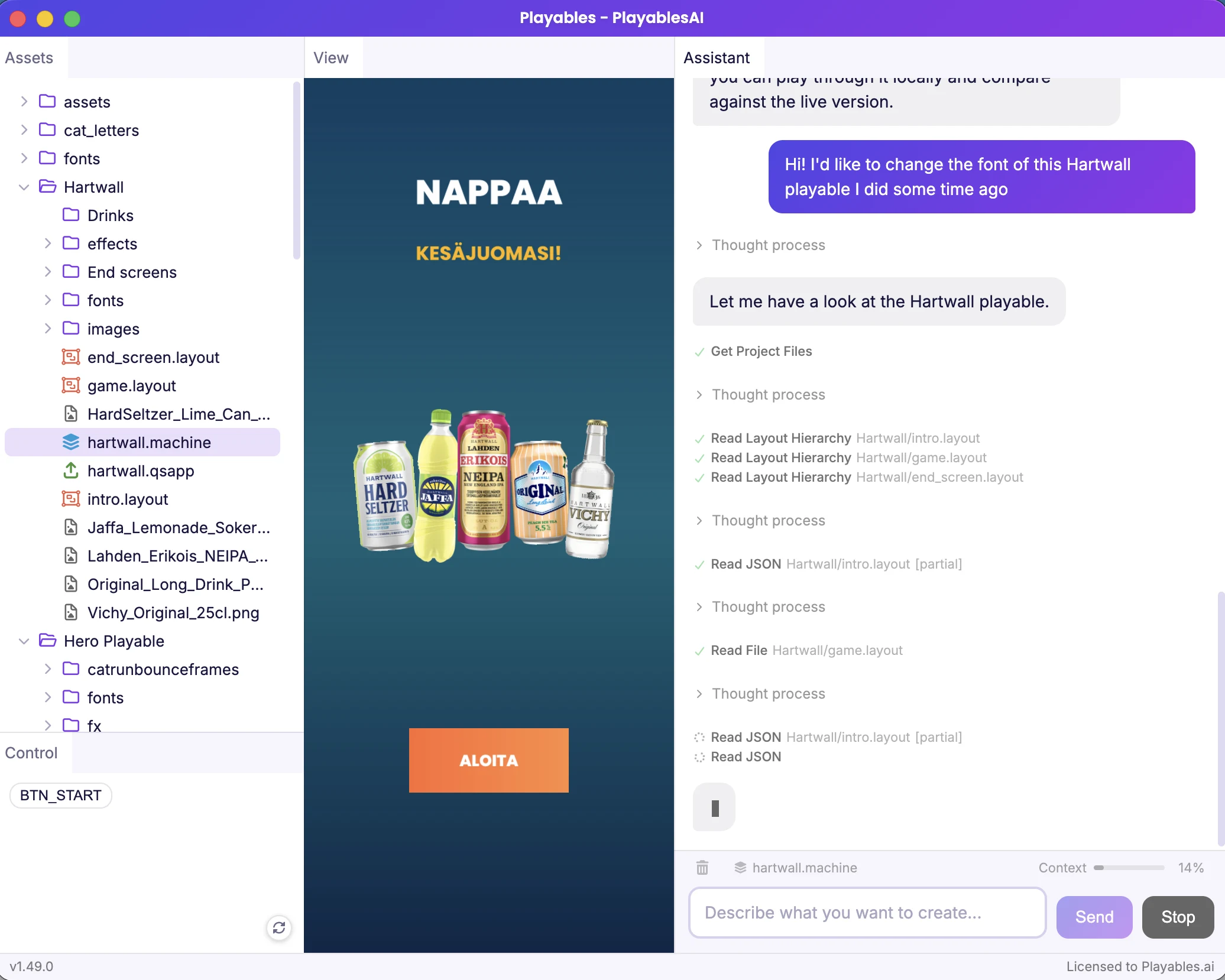
Describe the playable you want, then keep prompting to build, adjust, and fine-tune it until you’re happy with the result.
Ask the AI to publish your finished playable and get it ready for your chosen ad network.